Define access before sharing the link
The sender can state who the link is intended for rather than relying on the link remaining secret.
- Email-address or domain-based access.
- Verified personal identity access for a named recipient.
- Expiry and automatic termination of access.
Authentication matched to the risk
Senders sign in with supported verified identity methods. Depending on the rule, recipient access can use email OTP or stronger authentication without requiring a Workfiles account.
Opens and important actions remain traceable
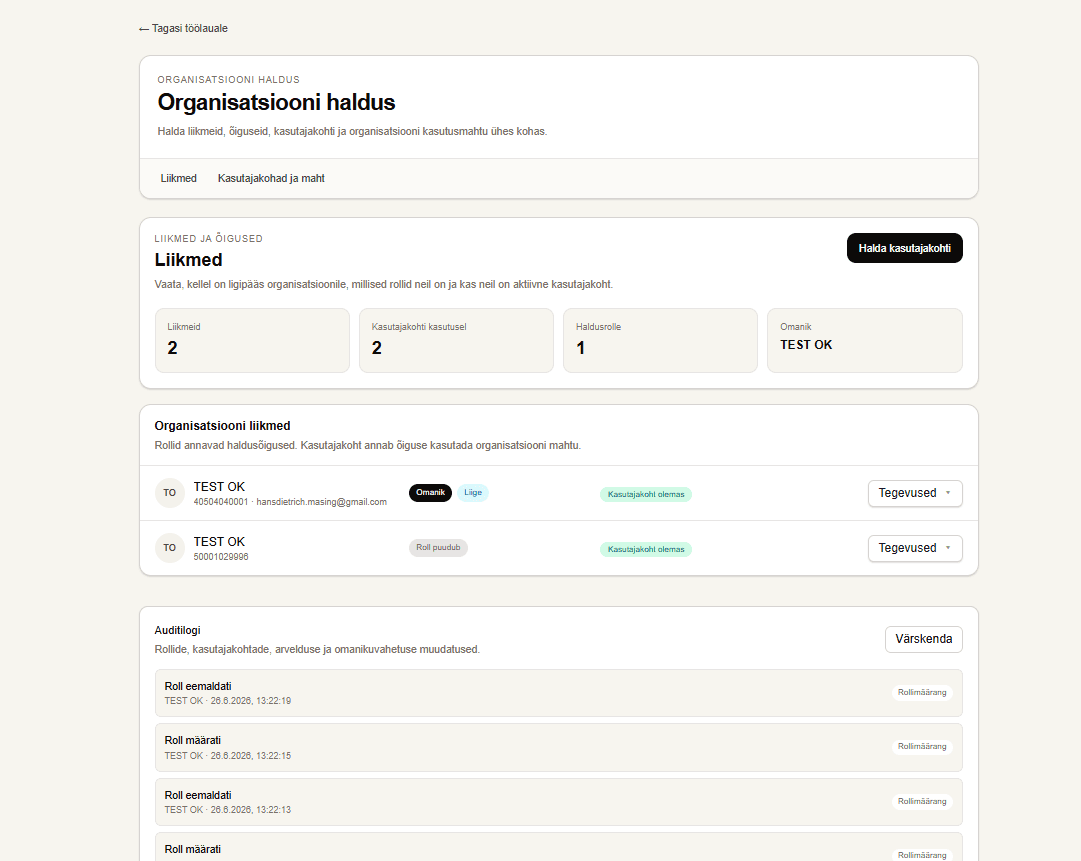
Transfer activity helps show when a link was used. Organization administration also keeps dedicated audit records for roles, seats, and other management actions.
Files are encrypted at rest
The backend uses AES-256-GCM file encryption with separately encrypted data keys, supporting protection of business files within the storage layer.
Manage team access and capacity in one place
Business plans connect seats, role permissions, and organization capacity in one administration view.
- Assign seats to employees in advance.
- Delegate permissions to view, assign, or revoke seats.
- Review capacity usage by user and workflow.